
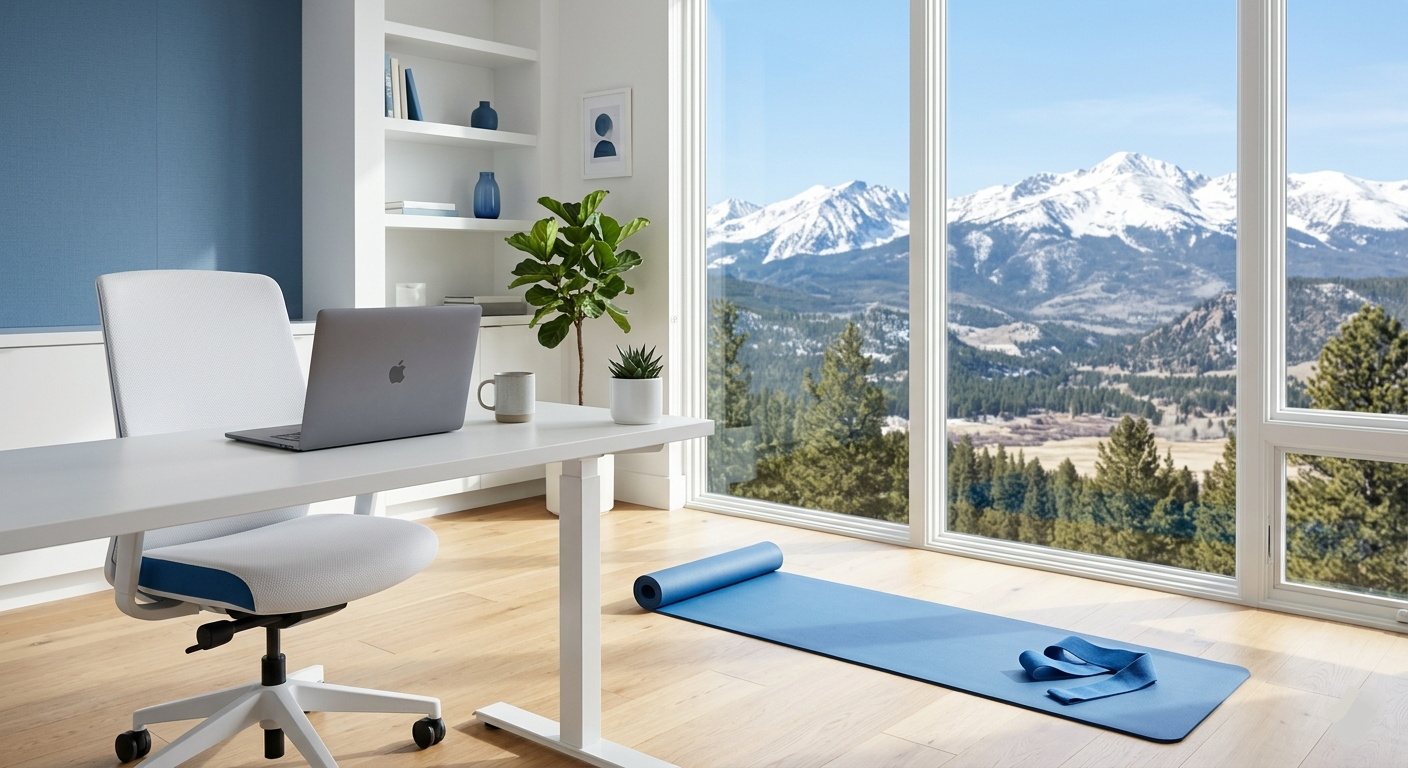
5 Tips to Work from Home and Stay Healthy: Protecting Your Spine in a Remote World
The sudden, global shift to remote work transformed the daily routines of millions of professionals overnight. Houses, apartments, and bedrooms were quickly converted into makeshift workspaces. While transitioning to a remote routine eliminates stressful morning commutes and offers unparalleled schedule flexibility, spending long hours typing in an unoptimized environment can place immense strain on your physical well-being. Without deliberate habits, this lifestyle can easily take a severe toll on your musculoskeletal health.
At Colorado Accident & Injury, our multi-disciplinary medical team helps patients navigate financial and legal challenges while providing advanced Medical Pain Management and rehabilitation plans. Implementing a few expert adjustments to your daily routine can help you safely work from home while keeping your body active, aligned, and entirely pain-free.
Here are five practical, physician-approved tips to maintain your physical health while working remotely:
1. Integrate Frequent Movement and Stretching Breaks
In a formal corporate office, natural breaks occur when you walk to meetings or chat with colleagues. At home, it is incredibly easy to remain frozen in the exact same sitting position for hours on end.
- The Remote Advantage: Use the privacy of your home office to your advantage. You can stand up and stretch whenever and wherever you like without worrying about corporate perceptions.
- Action Plan: Set a digital timer or phone reminder to stand up every 30 to 60 minutes. Spend two minutes walking around your room, performing gentle shoulder rolls, or stretching your hamstrings to instantly relieve pressure on your intervertebral discs.
2. Periodically Shift Your Dynamic Workstation
One of the greatest benefits of a home environment is that you are no longer confined to a single cubicle or desk all day long.
- Redistributing Joint Loads: Spending an entire eight-hour shift in one chair can cause localized fatigue and muscle imbalances. Gently rotating your workspace—moving from an upright kitchen chair to a standing counter, or spending a short period on a supportive sofa—forces your body into different physical angles.
- Preventing Overuse: This frequent variation redistributes mechanical loads across different joints and muscle groups, effectively preventing repetitive strain and overuse injuries.
3. Optimize Your Ergonomic Workspace Setup
Because many professionals had no advanced notice to prepare a dedicated home office, many are currently relying on non-ergonomic arrangements, such as slouching over a coffee table or typing while propped up in bed.
- Maintain Neutral Alignment: Ensure your main workspace features a highly supportive chair that reinforces the natural curve of your lower back. Sit up straight with your shoulders relaxed and down, keeping your feet flat on the floor with your knees bent at a comfortable 90-degree angle.
- Raise Your Screen: Position your laptop or external monitor directly centered in front of you at eye level. If your screen is too low, you will naturally hunch your neck forward, creating severe strain on your cervical spine.
4. Intentionally Increase Your Daily Physical Activity
It is a common misconception that remote working naturally leads to a more active lifestyle. In reality, working from home drastically increases sedentary behavior. You no longer walk to your car, navigate public transit, or pace across a large office building to visit a coworker’s desk.
- Conscious Movement: Unless you make a deliberate, conscious effort to exercise, your overall daily step count will plunge. Incorporate a brisk morning walk before logging online, or engage in low-impact aerobic activities like cycling or swimming a few times a week to keep your circulation active and your muscles loose.
5. Actively Reduce Unnecessary Screen Time
With digital platforms serving as the absolute backbone of both your professional obligations and your personal social life, daily screen time has reached unprecedented heights.
- The Physical Toll: Staring at displays for hours causes severe digital eye strain, chronic tension headaches, and disrupted sleep patterns. Furthermore, the longer we sit in front of a monitor, the more our posture tends to deteriorate into a slouched position.
- Establish Boundaries: Define clear boundaries for digital exposure. Step away from all monitors during lunch, and establish a strict screen-free wind-down period at least one hour before bed to protect your systemic health.
Reversing the Effects of Remote Strain
If structural back strain, persistent shoulder knots, or neck stiffness continue to linger despite adjusting your daily habits, specialized physical medicine can help restore your structural balance:
- Best Physical Therapy Services: A physical therapist can target the specific muscle weaknesses and tightness caused by prolonged sitting, designing a customized plan of progressive exercises to rebuild your core strength and flexibility.
- Chiropractic Care: Gentle manual adjustments realign the spinal vertebrae, removing mechanical pressure from irritated nerves and instantly relieving severe muscle guarding.
Conclusion
Working from home should not require you to sacrifice your physical comfort or long-term mobility. By practicing proper ergonomics, moving consistently, and setting healthy digital boundaries, you can successfully protect your spine and your joints. Contact our Colorado Springs medical experts today to schedule a thorough structural evaluation and build a personalized strategy for a healthy, pain-free remote career.
Optimize Your Home Office. Protect Your Spine. Consult our physical rehabilitation team today to learn how to prevent and eliminate remote work strain.